 Concentrate
Distractions, out of sight
Pick the apps and websites that pull you away. While you focus they stay hidden, and they come back the moment you're done.

Concentrate brings your plan, your calendar and a focus timer together in one calm Mac app. Start a session, and distractions step aside until you're done.
Free for 7 days, then $39 once. Requires macOS 26 or later.

One simple rhythm for every day: plan the time, start on time, focus, and finish well.


A timer, blocking and your calendar day, made to work as one.
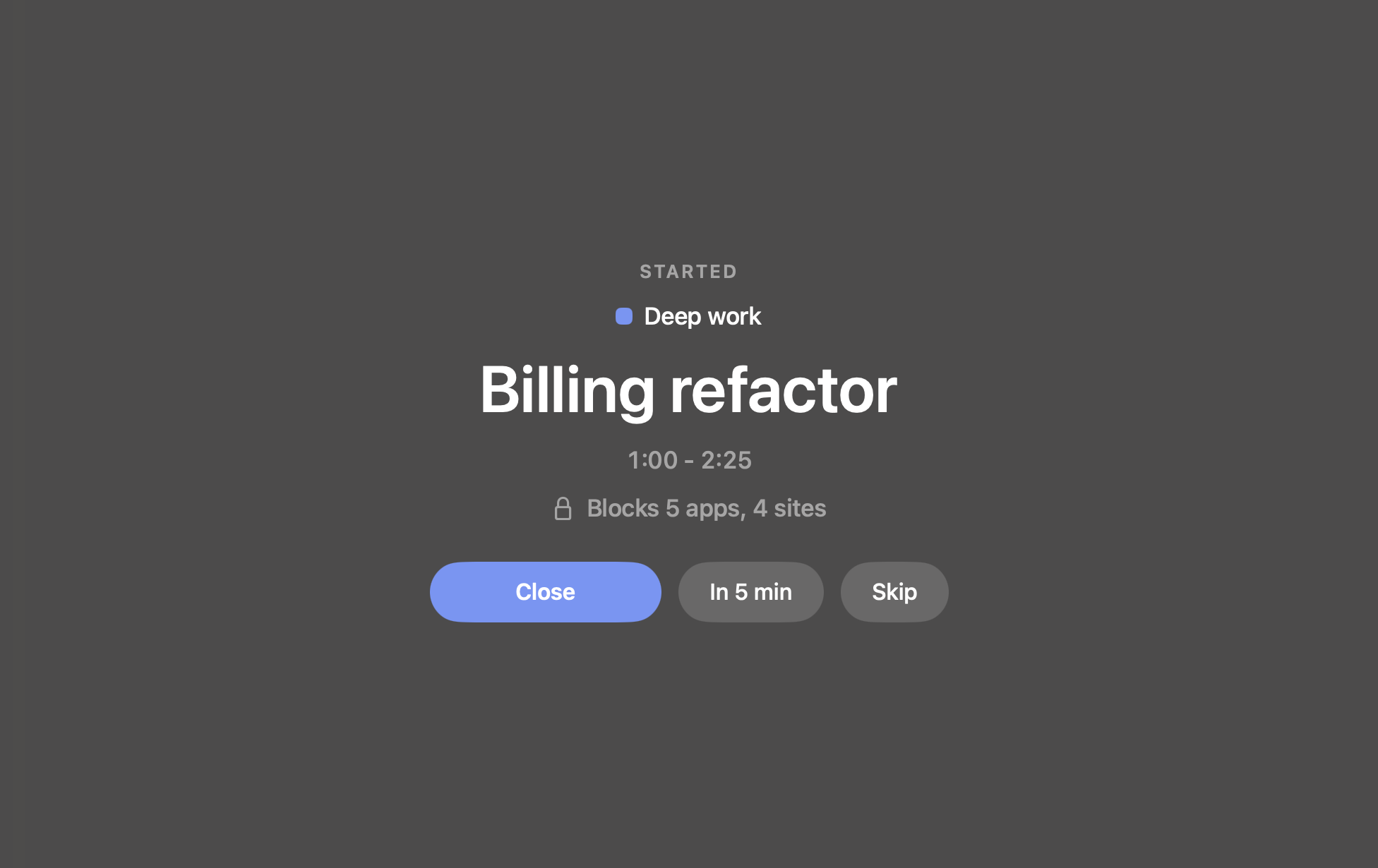
Pick the apps and websites that pull you away. While you focus they stay hidden, and they come back the moment you're done.
See focus time beside events from Google Calendar, Apple Calendar and Outlook, and plan around the meetings you already have.

When all you need is the countdown, switch to a minimal timer that stays out of your way.

See the time left and what's next from the menu bar, even with the window closed.

Deep work, writing or admin: each kind of work gets its own rhythm, its own colour and its own list of distractions.
Repeat a session every weekday, every week or on your own schedule, and your week plans itself.
Plan, start and move between days without reaching for the mouse.
Start a session from your favourite launcher, a Shortcut or a link.
Choose how each kind of session begins: a full-screen nudge, a quiet banner, or nothing at all.
Looks at home on your Mac, by day or by night.
Planning, the timer and blocking all work without an internet connection.
Every update to version 1 comes at no extra cost, and installs in a click.
A native app written in Swift: fast, light and familiar from the first click.
Your plans are yours. Concentrate keeps them on your Mac, with no account to create and nothing about your day sent to us.
No subscription, and no card needed to start the trial.
Concentrate for Mac
$39once
After a 7-day free trial with every feature.
Concentrate is almost ready. The download will appear on this page as soon as it is.
A Mac with macOS 26 or later.
Use every feature free for 7 days, with no account and no card. When you're ready, buy a licence key and paste it into the app.
No. You pay $39 once for up to 3 Macs, and every update to version 1 is included.
Google Calendar, Apple Calendar and Outlook. Website blocking works in Safari and in Chrome-based browsers such as Chrome, Arc, Brave, Edge and Vivaldi.
Yes. Your sessions stay in a file on your Mac. There's no account, no analytics and no tracking. See the privacy policy.
Yes, a full refund within 30 days, for any reason. See the refund policy.
It's in the email from your purchase. Or get it sent again to the address you bought with.
More answers in the documentation.

Plan the day, press Start, and let everything else wait.